Record Record

Australia’s Official Authorised Reseller

SketchUp Australia

3D for Designers Architects Builders Landscapers Educators Engineers

The 3D design software that architects, builders, interior designers, cabinet makers, and many more across Australia use to communicate ideas, present to clients, and build better – faster.


Record Record

Australia’s Official Authorised Reseller

SketchUp Australia

3D for Designers Architects Builders Landscapers Educators Engineers

The 3D design software that architects, builders, interior designers, cabinet makers, and many more across Australia use to communicate ideas, present to clients, and build better – faster.

TRUSTED BY LEADING AUSTRALIAN ORGANISATIONS

COMMERCIAL SUBSCRIPTIONS

Additional discounts are available when you add three or more, contact our team to learn more.

SketchUp Go

$15 /MONTH + GST

AUD/PAID ANNUALLY

Web & iPad only

  • Web modeller
  • iPad app
  • 3D Warehouse access
  • 10GB cloud storage

SketchUp Pro

$46 / MONTH + GST

AUD/PAID ANNUALLY

The classic SketchUp plan

  • All web & iPad features
  • Desktop app
  • Layout (for 2D documentation)
  • Extension Warehouse
  • Trimble Connect Business
  • Priority support

SketchUp Pro + Scan

$65/ MONTH + GST

AUD/PAID ANNUALLY

SketchUp with point clouds

  • Everything in Pro
  • Scan Essentials (point cloud)
  • Trimble Connect Business
  • Priority support

SketchUp Pro + Advanced Workflows

$72/ MONTH + GST

AUD/PAID ANNUALLY

Point clouds + interoperability

  • Everything in Pro
  • Scan Essentials (point cloud)
  • The Revit Importer Extension
  • Trimble Connect Business
  • Priority support

SketchUp Studio

$92/ MONTH + GST

AUD/PAID ANNUALLY

Everything + advanced tools

  • Everything in Pro
  • Scan Essentials (point cloud)
  • The Revit Importer Extension
  • V-ray (photorealistic rendering)

View Education Plans | Need licences for a team or Institution? Talk to us about volume pricing.

Design faster. Win more work.

Architects across Australia use SketchUp to move from concept to client-ready presentation in hours, not days. Whether you're doing concept massing, detailed documentation or council submissions, SketchUp fits every stage of the workflow.

  • Generate concept massing models in under an hour
  • Present photorealistic renders directly from the model
  • Export LayOut documents for council planning submissions
  • Collaborate with engineers and builders via Trimble Connect
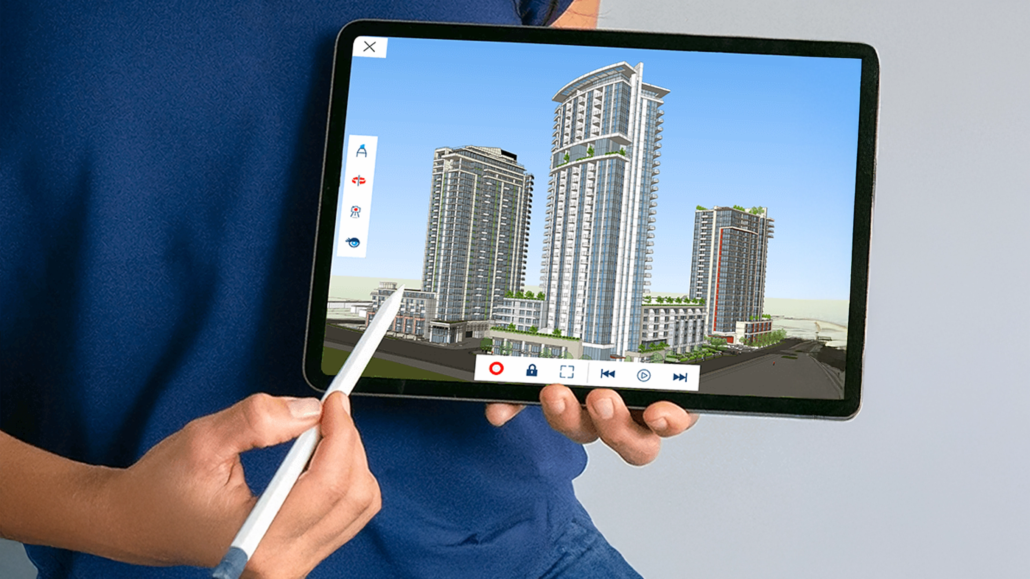
  • Work on desktop, web, or iPad — your workflow, your way

Bring spaces to life instantly.

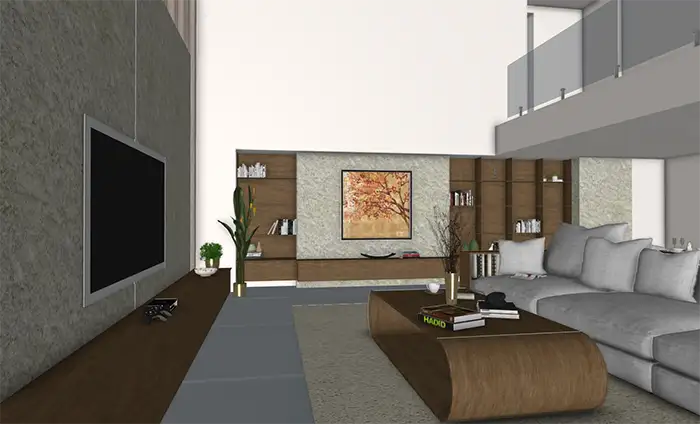
Interior designers use SketchUp to craft immersive 3D spaces that clients can understand and approve faster. From furniture layout to finish schedules, everything lives in one model.

  • Build detailed room layouts with real furniture dimensions
  • Apply materials and lighting for photorealistic previews
  • Create client walkthroughs without leaving SketchUp
  • Access thousands of 3D components in the 3D Warehouse
  • Export to PDF, image, or interactive 3D viewer
Cabinetry & Joinery – SketchUp

Model it. Cut it. Build it.

Cabinet makers and joiners across Australia use SketchUp to design custom joinery, generate cut lists, and deliver accurate quotes — all from a single model.

  • Design custom cabinetry with precise joinery details
  • Generate automatic cut lists and material estimates
  • Produce shop drawings directly from the 3D model
  • Integrate with CNC and manufacturing workflows
  • Present to clients with photorealistic renders
Landscape – SketchUp

Design outdoor spaces clients love.

Landscape architects and designers use SketchUp to visualise gardens, parks, and outdoor environments in stunning 3D — making it easy to win approvals and impress clients.

  • Model terrain and site contours accurately
  • Place plants, trees, and outdoor furniture with ease
  • Show seasonal lighting and shadow studies
  • Produce detailed planting plans and schedules
  • Win more tenders with compelling visual presentations
Construction – SketchUp

Build smarter from the start.

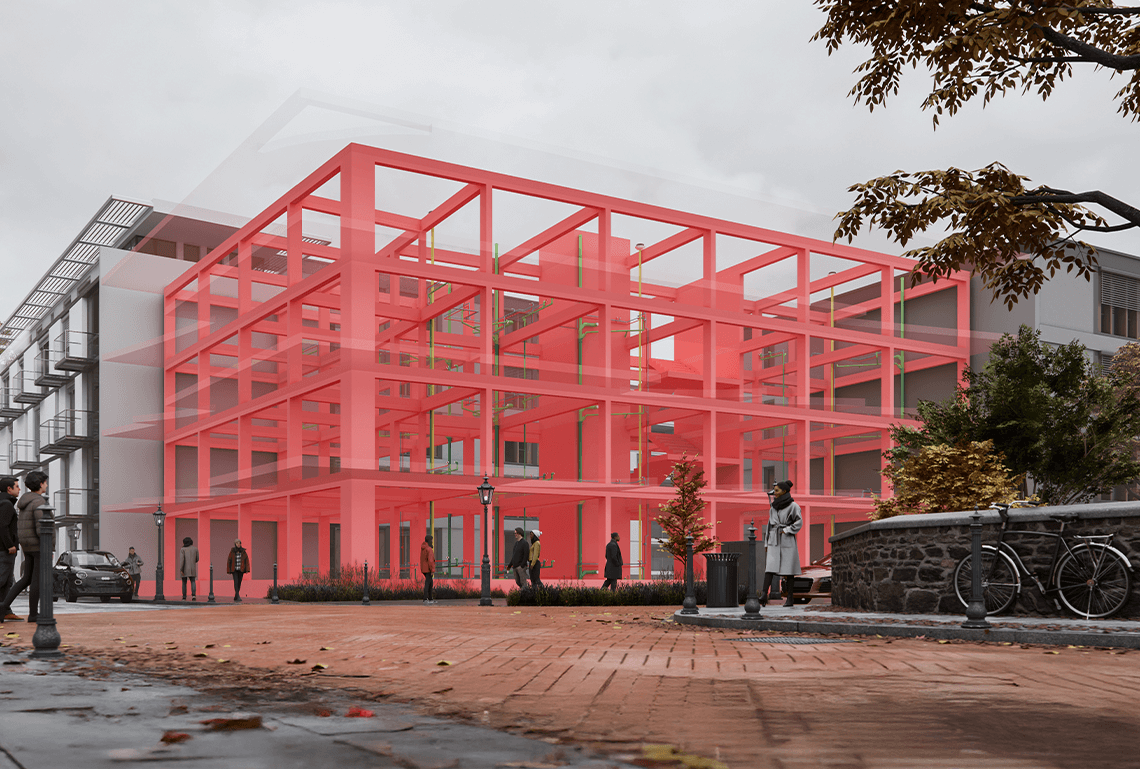
Construction professionals use SketchUp to coordinate trades, resolve clashes, and communicate scope clearly — before a single nail is driven.

  • Coordinate structure, services, and finishes in 3D
  • Identify and resolve clashes before construction begins
  • Share models with subcontractors via Trimble Connect
  • Generate accurate quantity takeoffs from the model
  • Document site progress with before/after comparisons
Engineering – SketchUp

Precision modelling for complex projects.

Engineers use SketchUp to communicate complex structural and civil designs in a way that every stakeholder can understand — from client to contractor.

  • Model structural systems quickly and accurately
  • Integrate with IFC and other engineering formats
  • Communicate design intent to non-technical stakeholders
  • Collaborate across disciplines with shared models
  • Export detailed drawings and reports from LayOut
Education – SketchUp

Teach 3D thinking from day one.

Schools, TAFEs, and universities across Australia use SketchUp to give students real-world 3D skills that employers are actively looking for.

  • Free access available for qualifying educational institutions
  • Intuitive enough for beginners, powerful enough for graduates
  • Curriculum resources and lesson plans available
  • Students graduate with industry-standard software skills
  • Dedicated education support from the Australian team
More uses – SketchUp

SketchUp works for every creative industry.

Beyond architecture and construction, SketchUp is used by creative professionals across Australia to design, present and build in 3D — whatever the industry.

  • Set & stage designers modelling theatrical builds and concert layouts
  • Retail & hospitality designers visualising fit-outs and interiors
  • Exhibition designers planning trade show stands and museum displays
  • Game & VR developers prototyping environments and exporting to engines
  • Film & TV production designers previsualisating sets and locations

WHY BUY FROM US

Australia’s own SketchUp team. Not a US call centre.

When you buy SketchUp from us, you’re dealing with an Australian business that knows the local market, speaks your time zone, and is accountable to you – not a global ticketing system.

  • Credit-card Credit-card

    Pay in AUD – cheapest in the world

    Our AUD pricing makes SketchUp significantly cheaper than buying direct from Trimble’s USD pricing.

  • Clock Clock

    Support in your Australian timezone

    Real humans available Mon-Fri 8:30am – 5:30pm AEST. No overnight wait for US business hours.

  • Info-circled Info-circled

    Local training & onboarding

    We run live training sessions, onboarding calls, and have a library of Australia-specific resources.

  • Volume licensing & team management

    Buying for a team? We handle licence allocation, renewals, and user management for you.

Technical Support

Our team is here to help you

Perth – Technical Support Brisbane – Technical Support Sydney – Technical Support Melbourne – Technical Support
Perth
Brisbane
Sydney
Melbourne
+ New Zealand Coverage
★★★★★

"SketchUp's Revit importer has been incredibly helpful for bringing consultant models across accurately. Once those models are in SketchUp, I can use them in design meetings or quickly develop concept ideas. It makes it easy to visualise consultant data and create models far more efficiently than in traditional BIM software."

LM
Liam Mahood
Design Co-Ordinator, Apollo Property
★★★★★

"I have recently just learnt SketchUp through my course — Diploma of Interior Design — and I'm absolutely loving it. So easy to use and so detailed."

SK
Sophie K.
Student, Interior Design Online
★★★★★

"We recently started using BuildingPoint as our SketchUp supplier, and the customer service has been incredible. They are very quick to respond, very knowledgeable and detailed in their reply, and are transparent in their pricing. Definitely would recommend them to anyone looking for an Australian distributor for SketchUp."

KP
Ken Poon
Lead Enterprise Architect, Kavellaris Urban Design

FAQs

You have questions.

These are the problems our customers were trying to solve before they found SketchUp.

SketchUp and Revit solve different problems. Revit is a full BIM (Building Information Modeling) platform designed for detailed documentation, coordination, and lifecycle management of complex building projects—often requiring significant setup, training, and specialised expertise.

SketchUp, on the other hand, is built for speed, creativity, and accessibility. It empowers designers to quickly bring ideas to life in 3D—without the overhead of complex systems—making it the preferred choice for early-stage design, client presentations, and everyday modelling.

Yes—SketchUp offers a free version called SketchUp Free, which runs entirely in your web browser. It’s a great starting point for individuals, students, and anyone wanting to explore 3D modelling without needing to install software or commit to a paid plan.

That said, SketchUp’s paid subscriptions unlock significantly more power and professional capability—including advanced tools, desktop applications, cloud storage, collaboration features, and access to extensions. For anyone using SketchUp in a business or professional workflow, upgrading delivers far greater flexibility, performance, and productivity.

Most people can learn the basics of SketchUp in just a few hours. Its intuitive, user-friendly interface means you can start creating simple 3D models on day one—even with no prior design experience.

Becoming highly proficient depends on your goals, but typically takes days to weeks—not months. Because SketchUp is built around natural drawing and modelling behaviours, users quickly build confidence and speed. For professionals, this means less time spent learning complex software and more time designing, iterating, and delivering results.

Most people can learn the basics of SketchUp in just a few hours. Its intuitive, user-friendly interface means you can start creating simple 3D models on day one—even with no prior design experience.

Becoming highly proficient depends on your goals, but typically takes days to weeks—not months. Because SketchUp is built around natural drawing and modelling behaviours, users quickly build confidence and speed. For professionals, this means less time spent learning complex software and more time designing, iterating, and delivering results.

If you cancel your SketchUp subscription, you won’t lose your files—but your access to certain features will change. Any models you’ve created remain yours, and you can download and store them locally at any time.

However, access to premium tools, desktop applications, cloud storage, and collaboration features will be removed once your subscription ends. You may still be able to view or work with your files using SketchUp Free or other compatible tools, but functionality will be more limited compared to a paid plan.

Yes—you can purchase SketchUp licences for your entire team. SketchUp’s subscription plans are designed to scale, making it easy to equip multiple users with the tools they need under a single, managed account.

With team licensing, you get centralised administration, easy user management, and flexible deployment across your organisation. This makes it simple to add or remove users, control access, and ensure everyone is working with the latest tools—ideal for businesses, studios, and growing teams.

Yes—SketchUp can import and work with AutoCAD files. It supports common CAD formats like .DWG and .DXF, making it easy to bring 2D drawings or 3D models into SketchUp and continue developing your design.

This makes SketchUp a powerful companion to AutoCAD workflows. You can quickly turn CAD plans into 3D models, add detail, explore design options, and create compelling visuals—helping you move from technical drawings to clear, client-ready presentations faster.

Buying from SketchUp Australia gives you local expertise, support, and a smoother experience tailored to your needs. While Trimble is the global provider, SketchUp Australia offers region-specific guidance to help you choose the right plan, get set up quickly, and make the most of your investment.
You also benefit from dedicated local support and training. That means faster responses, help in your time zone, and access to onboarding, workshops, and resources designed for Australian users—so your team gets up to speed quicker and stays productive.

Start your free 7-day trial today.

No credit card required. Cancel at any time. Australian support from day one.